In today’s world, digital technologies are becoming an essential part of the restaurant business. An online menu is a powerful tool that helps improve customer service and optimize venue operations.
In this article, you will learn:
- The benefits of a QR menu and how it attracts guests while helping business owners.
- How to create a QR menu using EatScanPay for your venue.
- Which features help increase sales and improve guest loyalty.
EatScanPay Online Menu — A Complete HoReCa Solution
Many restaurant owners believe that a QR menu is complex and expensive to develop. However, the EatScanPay team created a solution based on three core principles:
simple — functional — affordable.
For Guests:
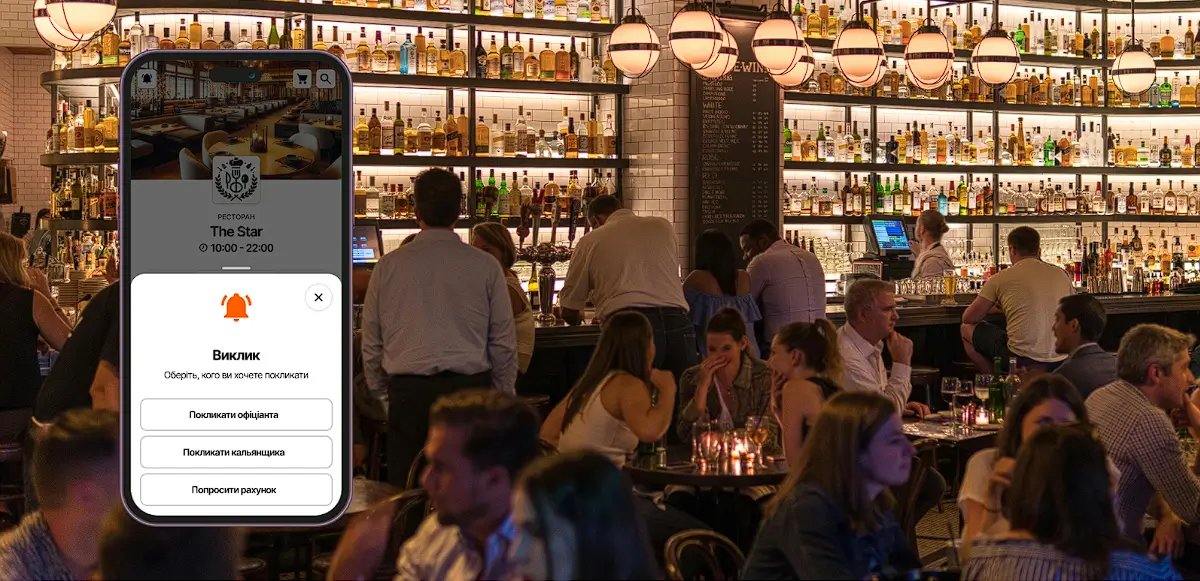
- Easy access: Customers can view the menu from any device using a QR code or link.
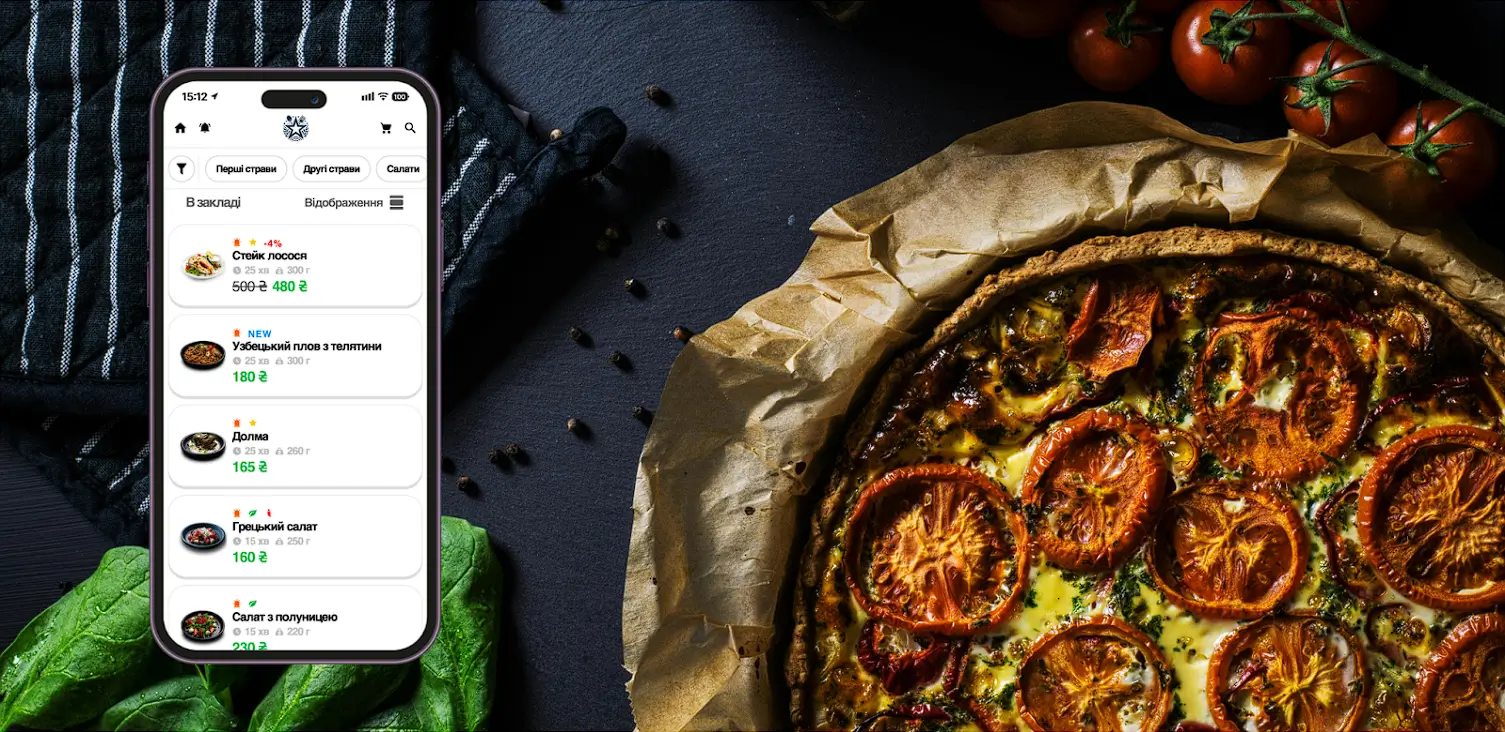
- Visual appeal: Dish photos make the selection process more engaging.
- Instant updates: Guests always see up-to-date information about dishes, ingredients, prices, allergens, and add-ons.
For Business Owners:
- Easy updates: Change dishes, prices, and promotions instantly without printing new menus.
- Analytics & insights: Track dish popularity to improve purchasing and marketing decisions.
- Platform support: Our team helps you set up your menu and continuously improves features.
- Social media integration: Easily share your menu online and attract more customers.
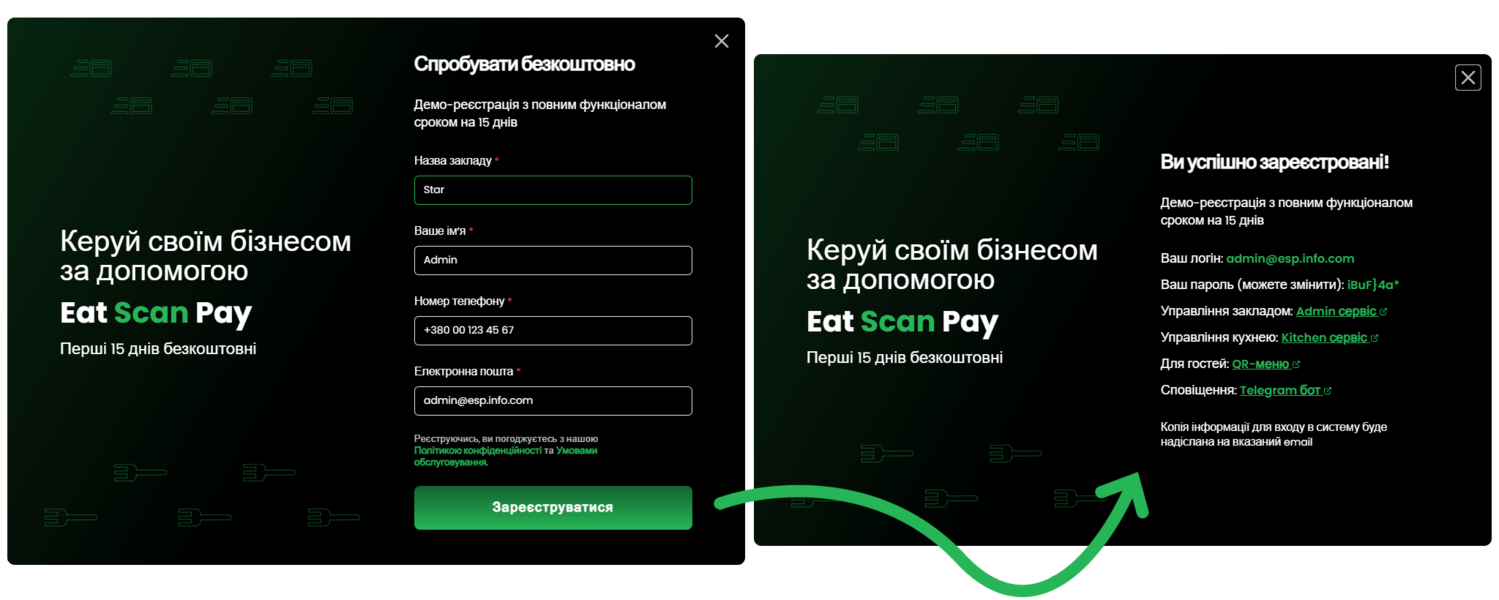
How to Create a QR Menu Online for Free in Less Than 24 Hours
Creating a QR menu with EatScanPay takes less than 24 hours. Here’s how to get started:
- Register on EatScanPay.com: Create an account and access the admin panel.
- Set up your menu: Add dishes, descriptions, prices, and images. Include allergens and add-ons if needed.
- Publish & share: Publish your menu and place QR codes on tables or share links online.
Managing your online menu is simple and intuitive, even without technical knowledge.
How an Online Menu Increases Sales
A digital menu helps increase sales and improve guest loyalty through useful features:
- Happy hours & business lunches. Offer discounts during specific times to attract more customers.
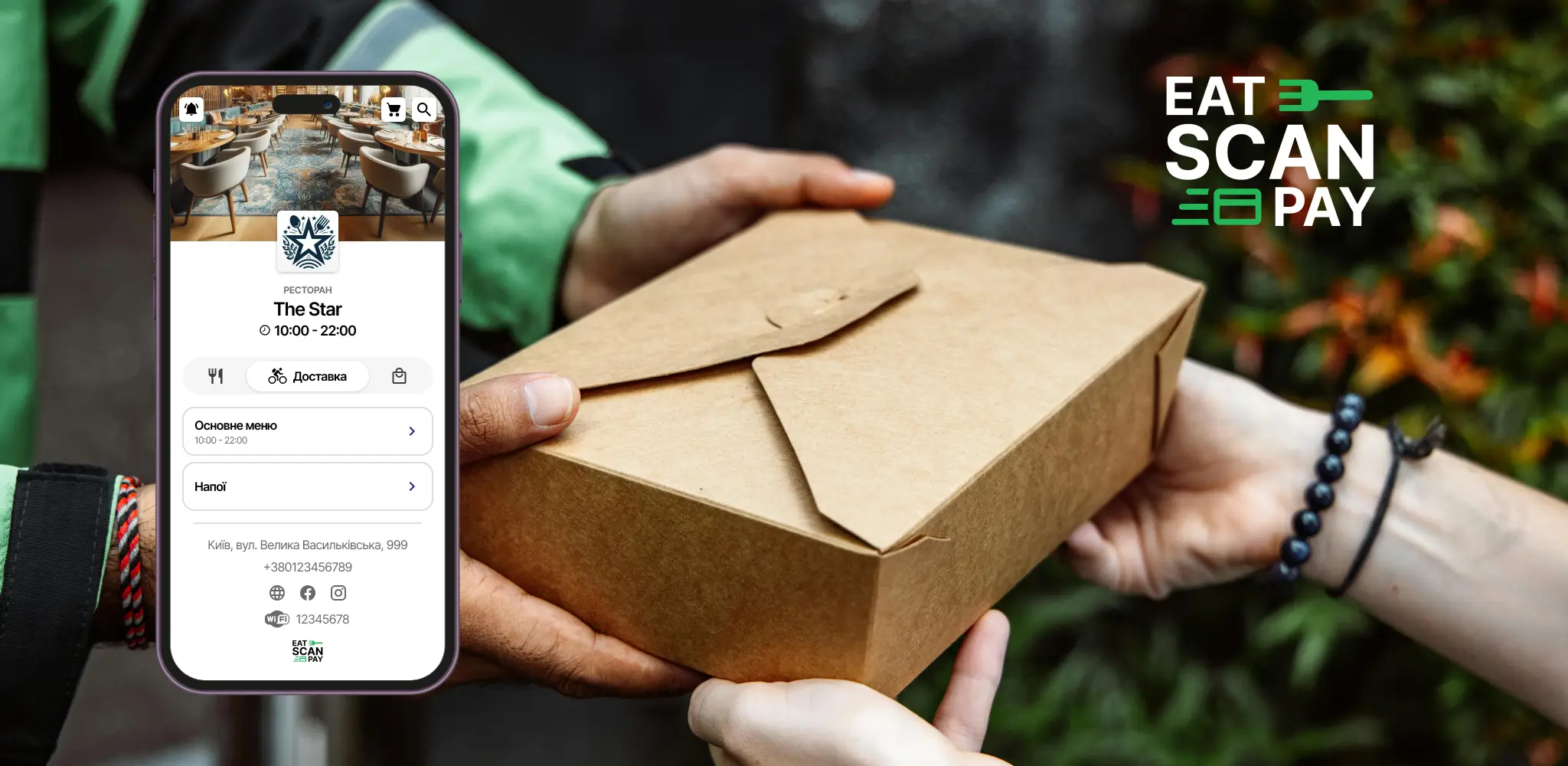
- Delivery pricing & takeaway discounts. Show delivery costs and pickup discounts in advance.
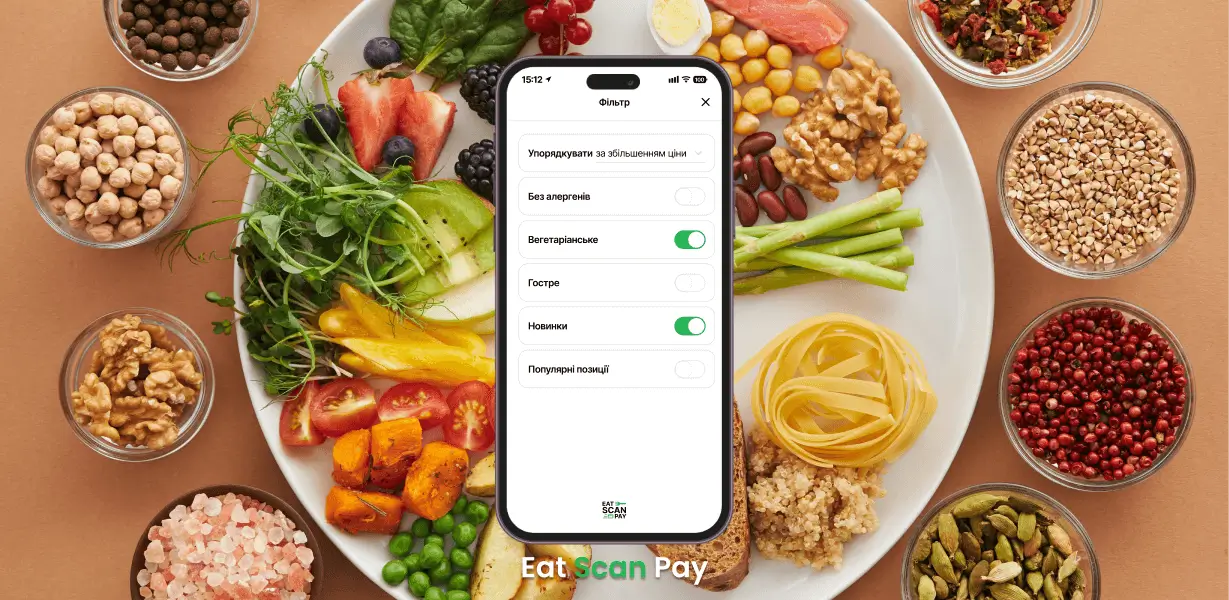
- Dish filters. Guests can filter dishes by:
- Price
- Preparation time
- Allergens
- Dietary preferences (vegetarian, vegan, gluten-free)
Creating an online QR menu with EatScanPay is a simple and effective way to modernize your restaurant business and increase revenue.