QR menu update: a new guest menu with feedback, table booking, favourites, allergens and a desktop version
This QR menu update rebuilds the menu your guests open after scanning. Dishes show their allergens and tags, guests save favourites, rate their visit and book a table from the same page, and the menu wears your venue's colours on a phone or a laptop.

Dishes that answer the guest's questions
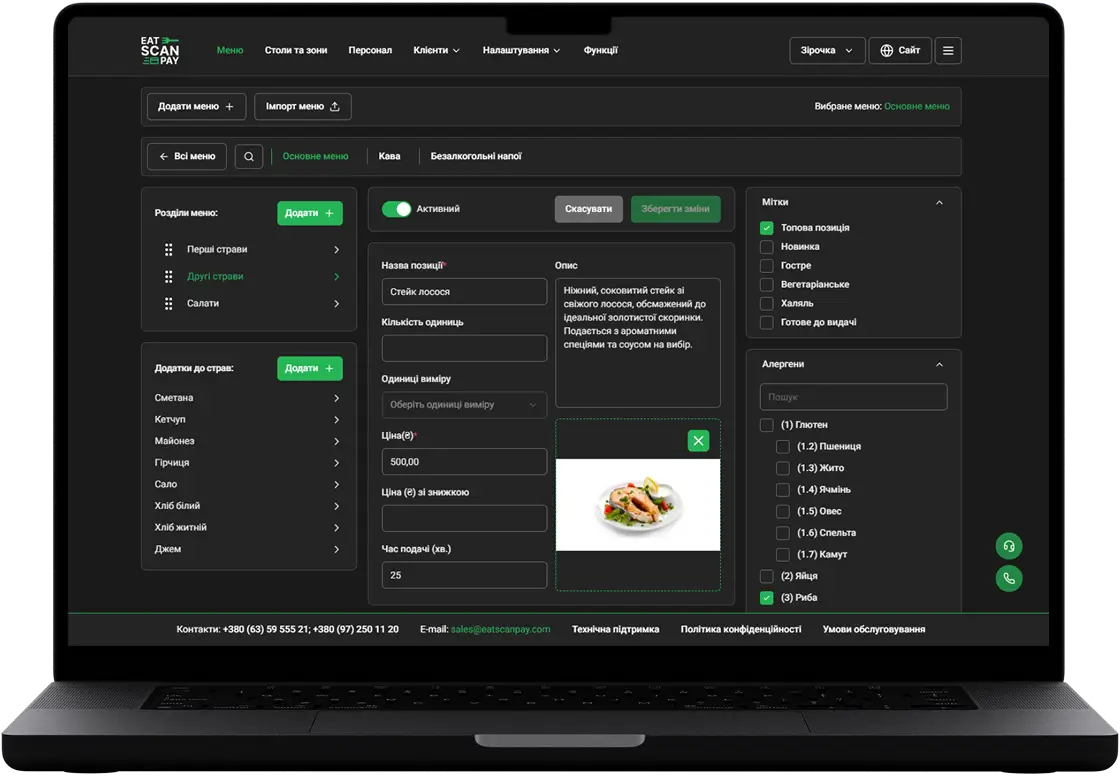
Each dish card shows its allergens, Vegan and Halal tags, your own labels such as Top or Spicy, the discount and the add-ons with their units. A guest with a nut allergy sees it before ordering, without calling the waiter over. Dishes without a photo get a neat placeholder picture, and every dish has its own link you can share.
Favourites, likes and discount banners
Guests tap the heart to keep a dish in Favorite Dishes and come back to it on the next visit. Banners on the main page announce your discounts and offers, and the main page also shows your opening hours, address on a map, social links and a pet-friendly mark.
Guest feedback and table booking in the QR menu
The Feedback page lets a guest rate the dishes and the service with stars and leave a comment, and the rating reaches your Telegram straight away. The Booking page takes table requests from the menu, including late slots after midnight.

Your colours, your order of dishes, on any screen
The menu uses your venue's theme colours and the dish card style you pick in the dashboard. You set the order of menus, sections and dishes by hand, so the best sellers sit at the top. Guests who open the link on a laptop get a full desktop version with the same menu, basket, booking and feedback.
Smaller improvements in this QR menu update
- Opening hours respected. Guests can't order outside your menu hours and see when the venue opens.
- Delivery details. Guests enter the delivery address and a comment for the courier, and the menu works out the delivery cost.
- Phone numbers with a country picker in the delivery, booking and feedback forms.
- Hookah call. Venues with a hookah lounge get a separate button to call the hookah master.
- Your own address. The menu opens at your venue's name on eatscanpay.com as soon as you set it.
How to get it
Everything above is live in your QR menu, with nothing to install and no new QR codes to print. Booking and feedback depend on your plan, and you switch them on in the merchant dashboard.
Previous Releases of QR Menu
- Tipping in the QR menu, delivery and takeaway orders
23.05.2024
- QR menu with the ability to pay by terminal and cash, online orders, the ability to leave a comment for the kitchen and a convenient order basket
11.05.2024
- From now on, the contactless QR menu can contain information about the available Wi-Fi in your establishment and the ability to call staff to the table, request an invoice or a paper analogue of the menu
27.04.2024
Updates to other Eat Scan Pay services
Admin Panel
 19.02.2026
More details
POS
 15.08.2024
More details