QR menu and merchant dashboard update, February 2026: faster menus, clearer bills, add-on photos and plan changes
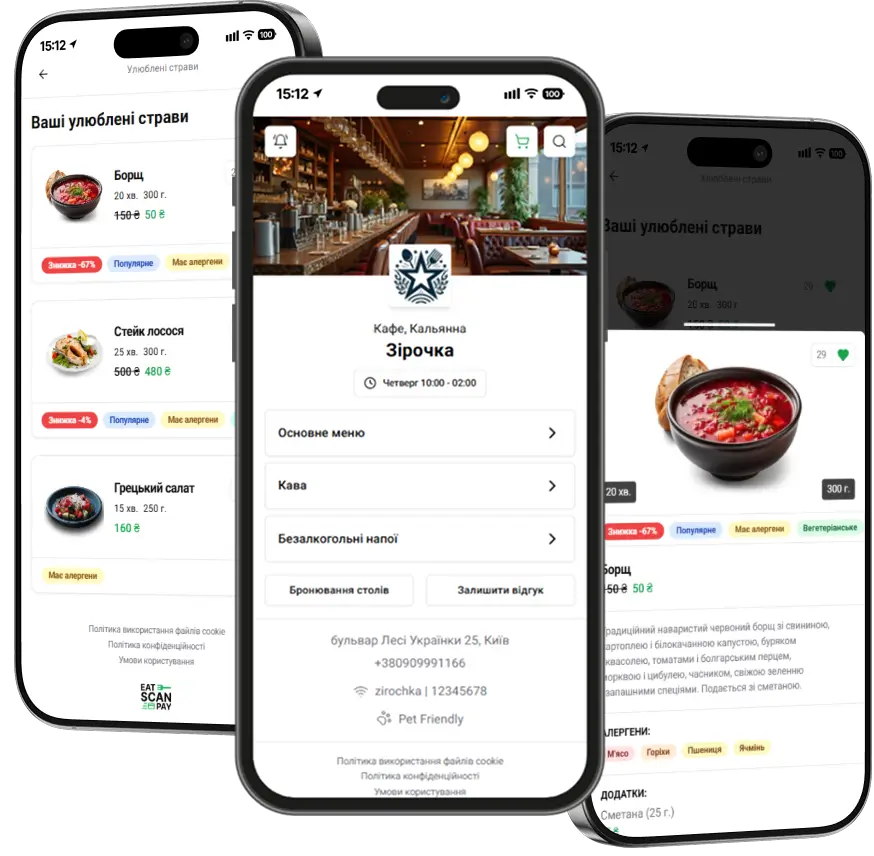
This QR menu update makes the menu load faster on a full night and shows guests exactly what they pay for. In the merchant dashboard, add-ons get their own photos, banners fit both phone and desktop, and you can change your plan without losing the days you already paid for.

A faster QR menu at peak hours
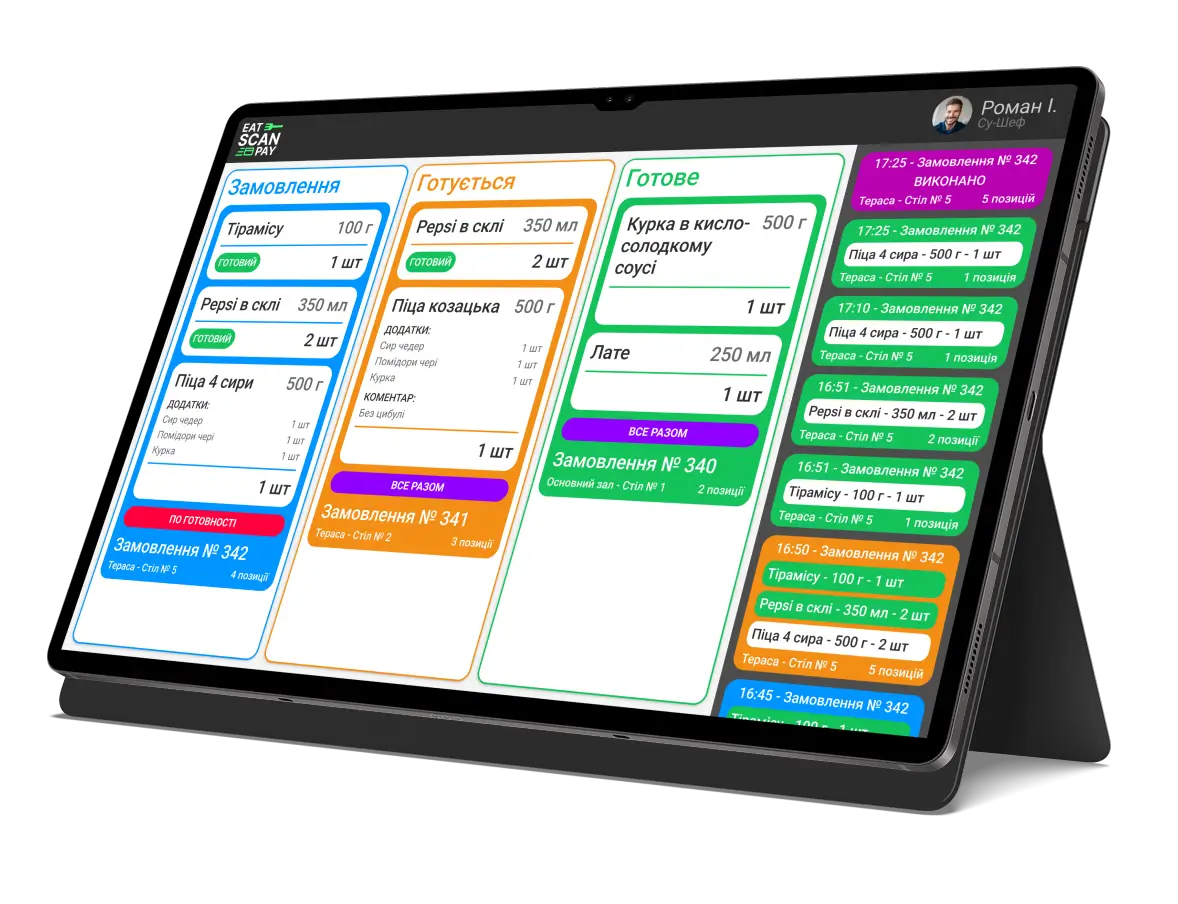
Menus with long dish lists now open faster, and they stay quick when every table scans at once. Changes you make in the dashboard reach the QR menu straight away, so a dish you switch off at 8 pm is gone from guests' phones by 8 pm. Waiter calls, bill requests and paper menu requests, along with order, booking and feedback alerts, reach your staff reliably again.
Clearer online payments
When a guest pays for a table order from the QR menu, the bill shows the right total and the payment status updates as soon as the bank confirms it. After payment the guest lands back on their table, and staff see the order as paid without asking at the table.
Change your plan without losing paid days
You can now move to another plan in the middle of a paid period. On the billing page, View changes opens the Change subscription window: your current plan with the days remaining and its end date, the plan you pick with its new end date, and the difference in days. Nothing changes until you click Confirm, and there is no new invoice to pay: the days you already paid for move to the new plan.

Two more billing changes:
- The best discount wins. When a long-term discount and a promo code both apply, the invoice takes the bigger one.
- Free after a paid plan or a trial. When a trial or a paid period ends, the venue can go back to the Free plan for whatever is left of its 365 free days, so the QR menu stays online.
Photos for add-ons in the QR menu
Ketchup, extra cheese or a side of fries sell better when guests can see them. Open an add-on in the merchant dashboard and upload a photo next to its price and portion. Guests see the photo in the add-on list when they open a dish in the QR menu. Turn photos on for the whole venue with Show add-ons photos under Settings, Interface, then choose per menu with Show addon photos, so the bar menu can stay a plain list.

Banners, logos and pages in your QR menu
Under Promo banners, each banner now takes two images, Banner (desktop) and Banner (mobile), so it is never cut off on a laptop or a phone. A status switch turns a banner on or off without deleting it: keep the happy hour banner ready and switch it on at five. You also choose how often guests see it, for example once per visit, and whether it closes by itself after a few seconds. Your venue logo can be a GIF, and photos you upload are converted to a lighter format, so the menu loads faster on a weak connection. Custom pages for promotions, events, your story or house rules open from the QR menu.

Smaller improvements in the merchant dashboard
Also in this update:
- Zones carry a green or red dot in the zone navigation, so you see at a glance which ones are open.
- Phone numbers in venue settings and your profile come with a country code picker.
- Invoices show the correct total.
How to get it
Everything above is live for every eatscanpay venue, with nothing to install. Guests get the faster QR menu on their next scan. Add-on photos, banners and plan changes are in the merchant dashboard now. Online payment from the QR menu needs a connected payment account.
Previous Releases of Admin Panel
- Merchant dashboard update, September 2026 - team availability, booking alerts, several payment accounts, new order statuses and a website gallery
16.09.2026
- Merchant dashboard update, June 2026 - booking settings, menu translations, live order alerts and the dashboard in more languages
28.06.2026
- Merchant dashboard update, April 2026 - switch menus, sections and dishes on, off or into the archive in batches
28.04.2026