Merchant dashboard update, June 2026: booking settings, menu translations, live order alerts and the dashboard in more languages
This merchant dashboard update puts table booking rules in your hands and lets you translate your menu into every language your guests read. New orders now announce themselves with a sound on any dashboard page, and the dashboard itself speaks many more languages.

Booking settings and two ways for guests to book
Under Features, Booking, pick the Booking interface your guests get. Without zone and table selection asks only for the date, time, number of guests and duration, and the host seats them later. With zone and table selection lets the guest choose a free zone and table for that time, which suits venues where the terrace or a window table is the reason people come. The same card sets the slot length, the minimum notice before a visit, how many days ahead guests can book and the smallest and largest party you take. Turn on Require approval and every request waits for a manager before it counts.
Two staff members can no longer book the same table for the same time, and zoom buttons on the table map make a large floor plan readable on a tablet.
Your menu in every language you serve
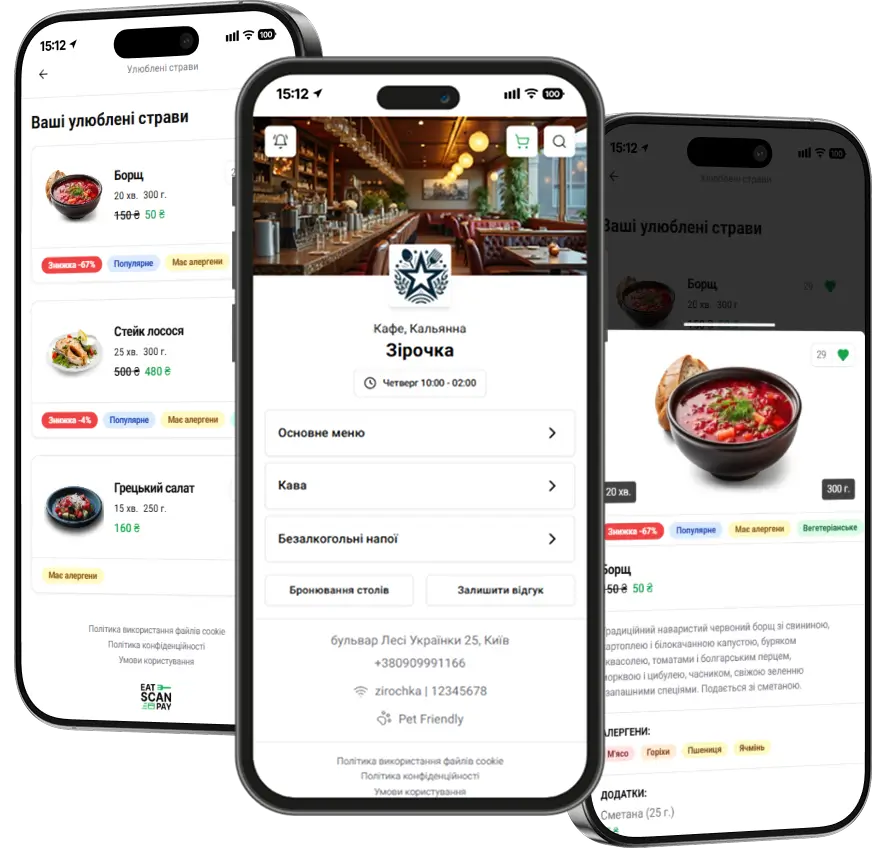
Start in Settings, General, Languages settings: pick the Primary language of your menu and add Additional languages, say English and Polish for a Kyiv cafe with tourists.

Menus, sections, dishes and add-ons then show a globe with a count such as 1/3, which tells you how many languages are done. Click it, choose a language and type the name and description in that language. Guests who open the QR menu in that language see your translation.

A sound and a pop-up for every new order
When an order comes in, the dashboard plays a sound and shows an Order update message with the order number, whatever page you have open. The same alert fires when an order is ready, paid, moved to another table or merged with another one. Payments, cancellations and table changes reach every staff tablet in the venue as they happen, and a button in the alert mutes the sound when the room is already loud enough.
More languages in the merchant dashboard
The dashboard itself now comes in German, Spanish, French, Italian, Portuguese, Dutch, Polish, Turkish and Chinese, on top of English, Ukrainian and Russian. Pick yours in the language switcher in the header, where each language appears under its own name.

Fixes
Also in this update:
- Takeaway discount shows correctly on the receipt.
- Moving an order to another table works again.
- A-Bank and Mono online payments go through reliably.
- Additional venues can be created from the dashboard again.
- Order times show in your venue's time zone.
- Tables accept only a sensible number of seats.
How to get it
Everything above is live in the merchant dashboard, with nothing to install. Booking settings are part of the Booking feature on plans that include table booking, and translations work on every plan. QR menu themes and promo banners now need a paid plan, Basic, Standard or Pro; on the Free plan both pages show which plans include them.
Previous Releases of Admin Panel
- Merchant dashboard update, September 2026 - team availability, booking alerts, several payment accounts, new order statuses and a website gallery
16.09.2026
- Merchant dashboard update, June 2026 - booking settings, menu translations, live order alerts and the dashboard in more languages
28.06.2026
- Merchant dashboard update, April 2026 - switch menus, sections and dishes on, off or into the archive in batches
28.04.2026