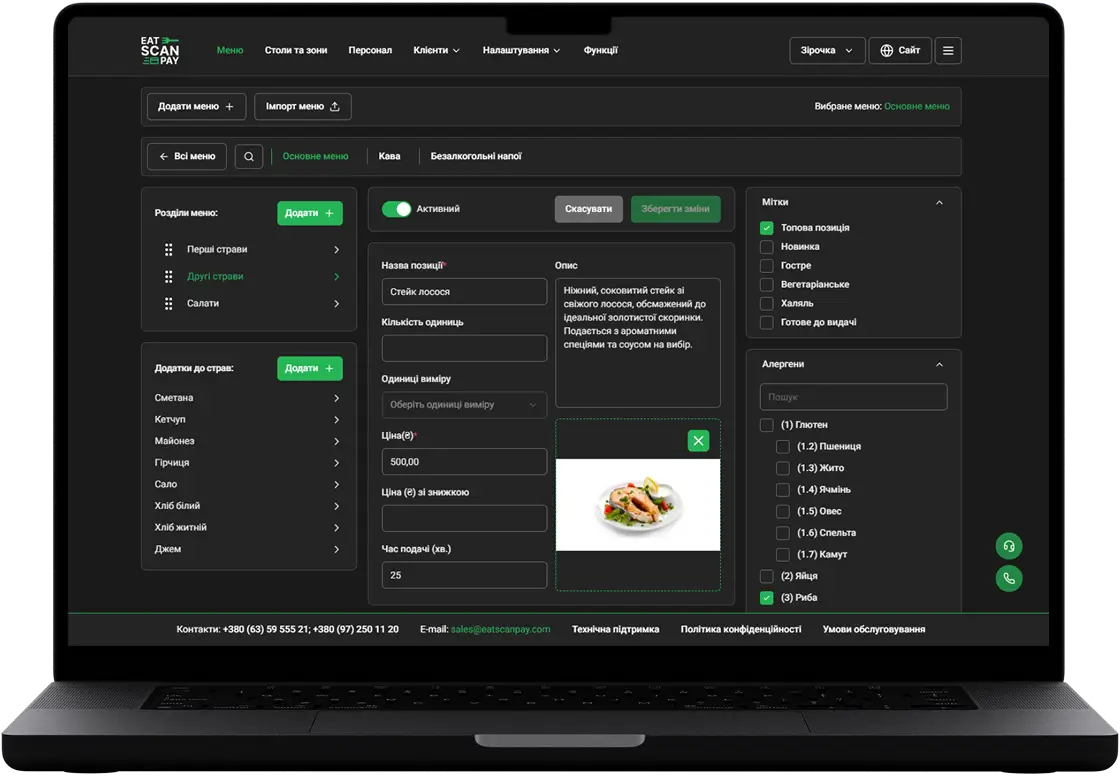
QR menu update: photo galleries on your venue page, tables held until you confirm and a way back to an unfinished online payment
This QR menu update lets you show your venue before the guest even opens the menu: a photo carousel at the top of the home page and an Our photos grid at the bottom. Booked tables now wait for your confirmation, and a guest who left an online payment unfinished can go back to it.

Show your venue in the QR menu with photo galleries
Guests decide fast, and a photo of your bar or terrace says more than a line of text. The home page of the QR menu can now open with a photo carousel that guests swipe through, and end with an Our photos grid: your team at work, the interior, the view, signature drinks. You add the photos in the merchant dashboard under Gallery, pick their order and switch each gallery on when it's ready. Both galleries work on phones and laptops, and while the top gallery is off, the home page keeps your usual background picture.


Carousel and Our photos on a phone
A booked table waits for your confirmation
When a guest books a specific table and your venue approves bookings by hand, the table is now held for that guest until your team confirms the booking. Nobody else can pick it in the meantime, and it turns to booked once you approve. The guest sees that the booking is received and that you'll confirm it, and gets an email about it if they left one. A hold doesn't expire on its own, so answer booking requests in the dashboard promptly.
A way back to an unfinished online payment
A guest who chose online payment and closed the bank page now sees Continue payment on the order, for dine-in, takeaway and delivery alike. One tap opens the invoice again, so the guest pays instead of getting stuck on a message. Takeaway and delivery guests also no longer see a note that a waiter is on the way.
Smaller improvements in this QR menu update
Also in this update:
- Long dish names fit. A long name wraps onto the next line instead of pushing the price out of the dish card.
- Changes show at once. A new price or dish description you save in the dashboard appears in the QR menu right away.
- One total everywhere. The cart button shows the same total as the order, discounts included.
- Ukrainian calendar and map. The booking calendar and the delivery address map speak Ukrainian in the Ukrainian menu.
How to get it
Everything above is live in your QR menu, with nothing to install. Add your photos in the merchant dashboard under Gallery and switch the galleries on. Online payment needs an A-Bank payment account connected to your venue, and table holds apply to bookings with table selection.
Previous Releases of QR Menu
- QR menu update - live order status, active orders from any page, a clear way out of a rejected order and online payment you can retry
16.09.2026
- QR menu update - the menu in your guest's language, order type in the cart, two ways to book a table and a faster menu
28.06.2026
- QR menu update - online card payment, menu working days, custom pages, cooking time and required tips
01.11.2025
Updates to other Eat Scan Pay services
POS
 15.08.2024
More details