QR menu update: the menu in your guest's language, order type in the cart, two ways to book a table and a faster menu
This QR menu update lets a tourist at your table read the menu in their own language instead of guessing from photos. Guests also pick dine-in, takeaway or delivery right in the cart, and you decide whether they choose a table when they book.

Your QR menu in the guest's language
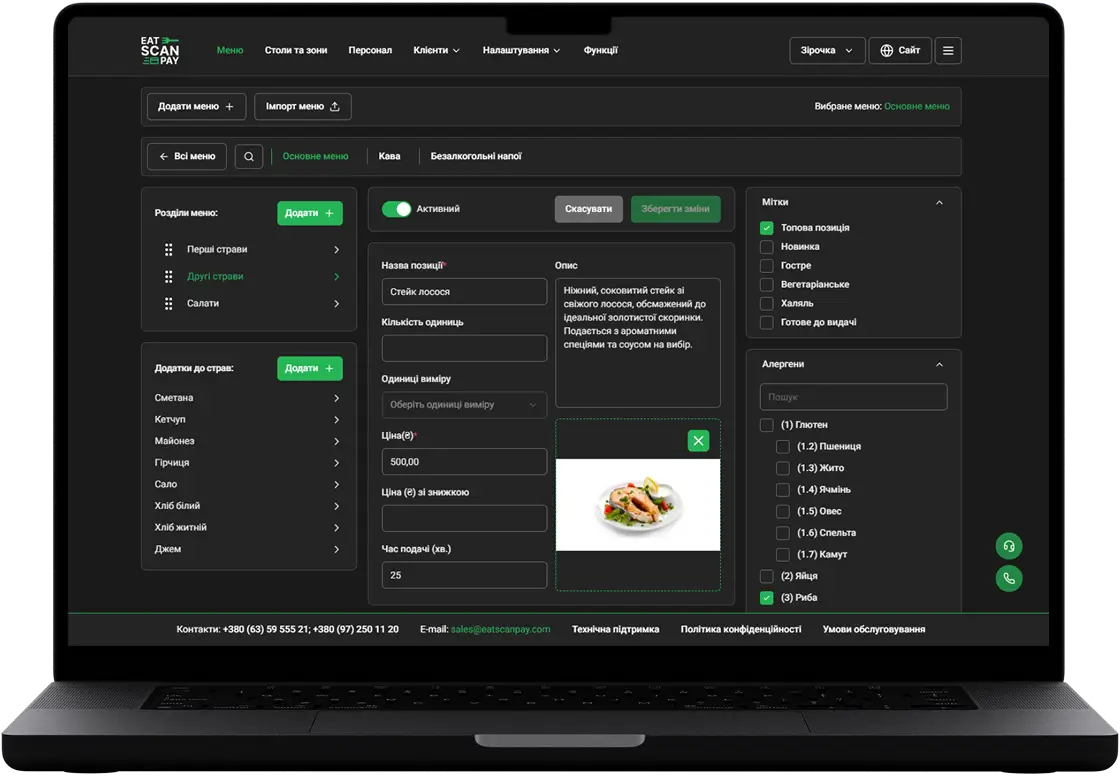
The QR menu now speaks 30 languages, and the names of your menus, sections, dishes and add-ons appear in the language the guest picks. You add the translations in the merchant dashboard. The language switcher in the header lists only the languages your venue offers, with your main language first, and a guest who opens the menu lands on that main language.

Dine-in, takeaway or delivery, picked in the cart
Guests choose how they want their order before they send it: at the table, to take away or delivered. The takeaway discount shows right next to that option, so the guest knows the price before sending the order. On a laptop the cart keeps the same picker in a wider layout.

Two ways to book a table
You choose the booking mode for your venue. With table selection, the guest picks a free table on the next step. With simple booking, the guest picks a date, time, party size and how long they'll stay, leaves contact details, and your team assigns the table. The booking page also works properly on desktop now.

Smaller improvements in this QR menu update
Also in this update:
- Faster menu pages. The QR menu keeps menu pages ready and refreshes them when you change something in the dashboard, so guests wait less after scanning.
- Add-on photos appear next to dishes, and you can hide them for a menu that looks better without.
- Hidden stays hidden. A menu, section or dish you switched off can't be opened from an old link.
- Clear message for a switched-off table. A guest who scans a deactivated table sees a clear message instead of an error.
- Telegram order alerts list the dishes, so staff see what was ordered without opening the dashboard.
- A guest's request to pay now reaches staff as a payment request, apart from waiter calls and other table requests.
We also fixed the filter counter on desktop, the feedback page, and a license check that could stop a menu from opening.
How to get it
Everything above is live in your QR menu, with nothing to install and no new QR codes to print. Choose your languages in the merchant dashboard under Settings and add translations in Menus. The booking mode is part of the Booking feature on plans that include table booking.
Previous Releases of QR Menu
- QR menu update - live order status, active orders from any page, a clear way out of a rejected order and online payment you can retry
16.09.2026
- QR menu update - the menu in your guest's language, order type in the cart, two ways to book a table and a faster menu
28.06.2026
- QR menu update - online card payment, menu working days, custom pages, cooking time and required tips
01.11.2025