QR menu update: online card payment, menu working days, custom pages, cooking time and required tips
This QR menu update lets guests pay the bill online from their phone, by card, Google Pay or Apple Pay, without waiting for the card terminal. You also get more control over what the menu shows: which days a menu works, your currency, your own information pages and which blocks guests see at all.

Online card payment in the QR menu
Next to Cash and Card terminal, the guest can now choose Online. The menu opens a payment page for the order, the guest can leave an email for the receipt, and pays on the bank's secure page by card, Google Pay or Apple Pay. Payments go through A-Bank, and the venue issues an electronic receipt. A table that wants to leave pays in a minute, and your waiter keeps serving the room.
Menus that follow your week
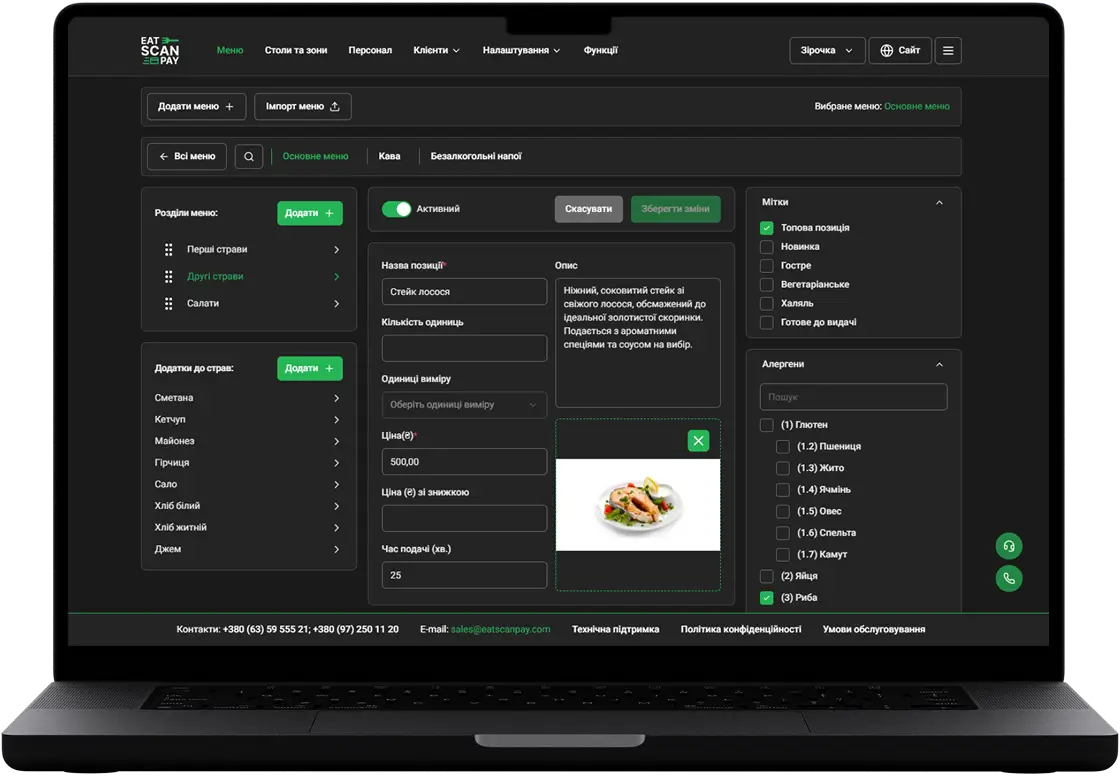
Set the days each menu works, so a business lunch shows only on weekdays and a brunch menu only at the weekend. Every dish now shows an approximate cooking time next to its weight, and on a laptop guests can sort the menu by cooking time when they are in a hurry.


Cooking time on every dish
Your pages and your look
Custom pages put your own content in the menu: the story of the place, event announcements or the rules of the terrace. Links to them share with a proper preview. The list of menus can have its own background image, and prices show in the currency you set for the venue.
Smaller improvements in this QR menu update
Also in this update:
- Show only what you use. Hide allergens, feedback, booking or the paper menu request if they don't fit your venue.
- Required tips. A venue can make a tip mandatory for dine-in orders, and the guest sees it as a separate line.
- Discounts on the bill. The order shows the takeaway discount and a discount on the whole bill.
- Interface languages. Guests switch the menu interface to their language from the header.
- Faster loading on phones, and a fix for taps on iPhone.
How to get it
Everything above is live in your QR menu, with nothing to install. Online payment needs an A-Bank payment account connected to your venue in the merchant dashboard.
Previous Releases of QR Menu
- QR menu update - live order status, active orders from any page, a clear way out of a rejected order and online payment you can retry
16.09.2026
- QR menu update - the menu in your guest's language, order type in the cart, two ways to book a table and a faster menu
28.06.2026
- QR menu update - online card payment, menu working days, custom pages, cooking time and required tips
01.11.2025