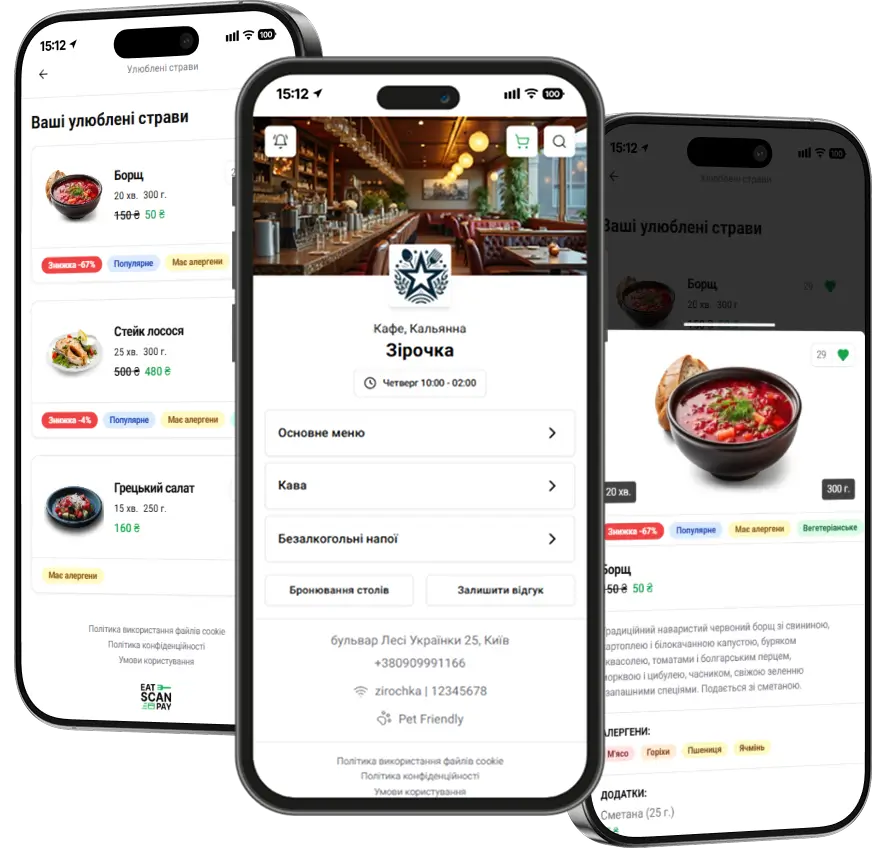
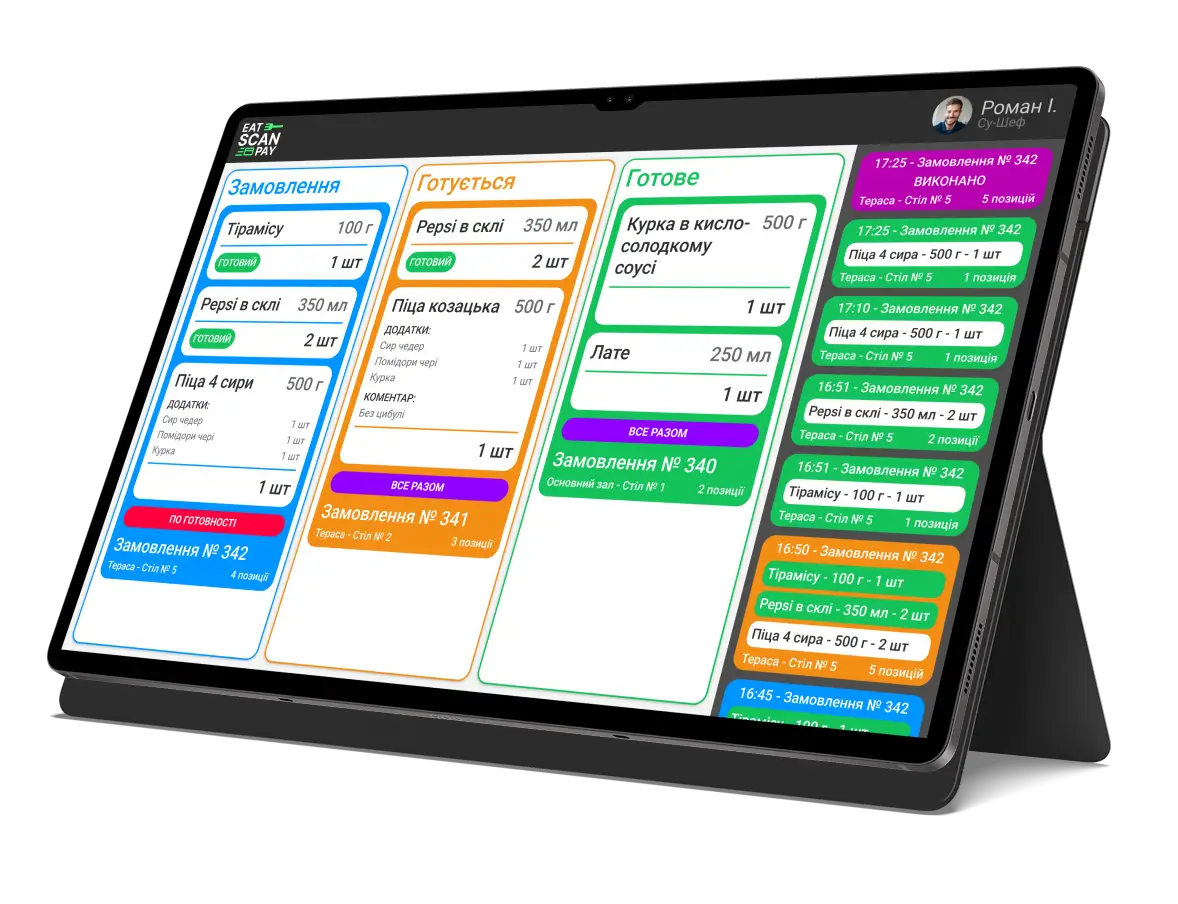
Admin Panel v2.3.0 – New Tools, Interface Improvements & Support
In version 2.3.0, we have made a number of important updates that help you work even faster with the Admin Panel, easily configure your online menu, manage orders, and stay connected with our support team.
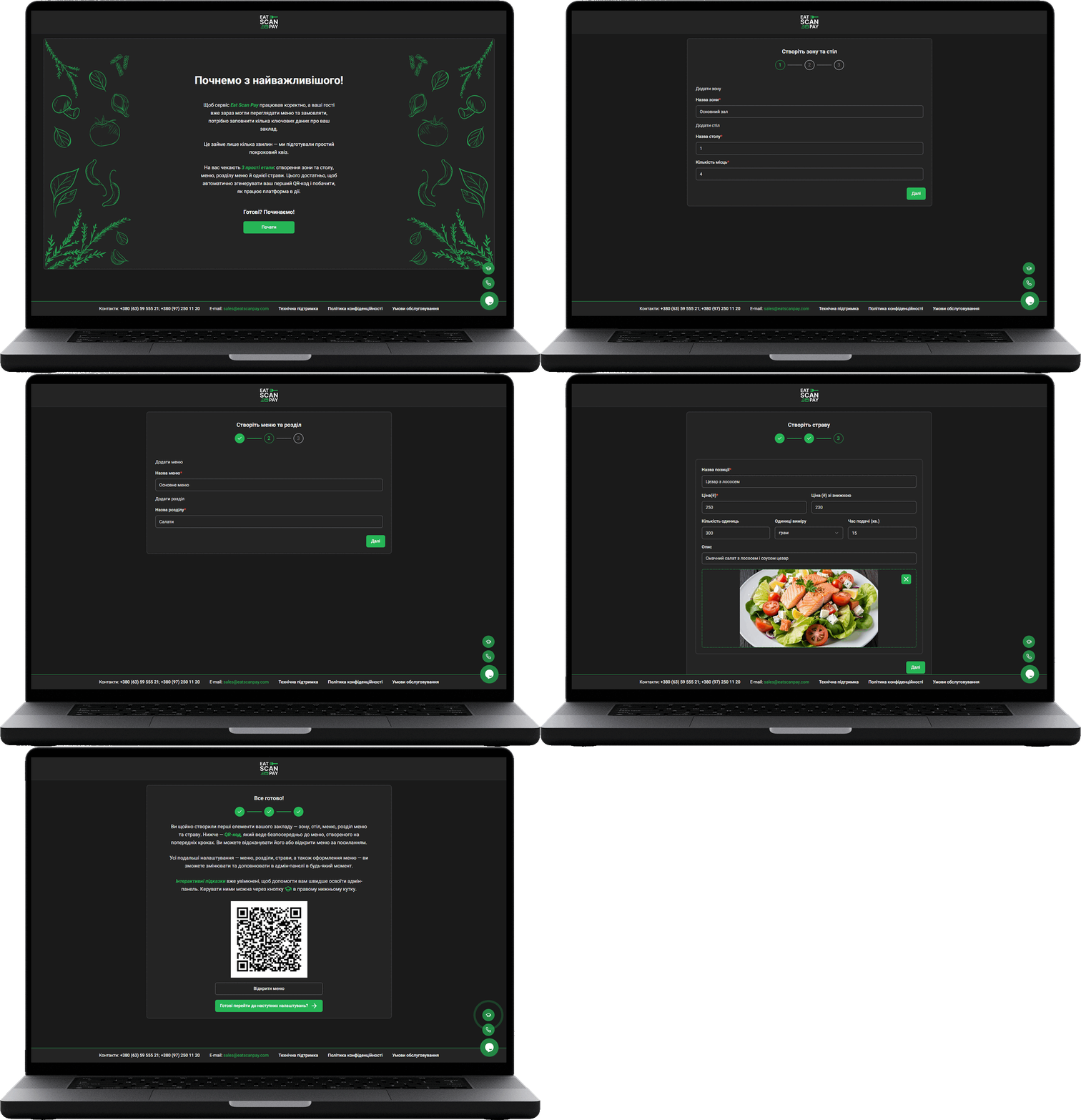
Welcome Quiz — now, when logging in for the first time, new users go through a simple step-by-step quiz that helps them quickly set up the main settings: create a menu, configure zones, add tables, and immediately add the first dish. This reduces the time needed to start working with the QR menu and makes onboarding intuitive.
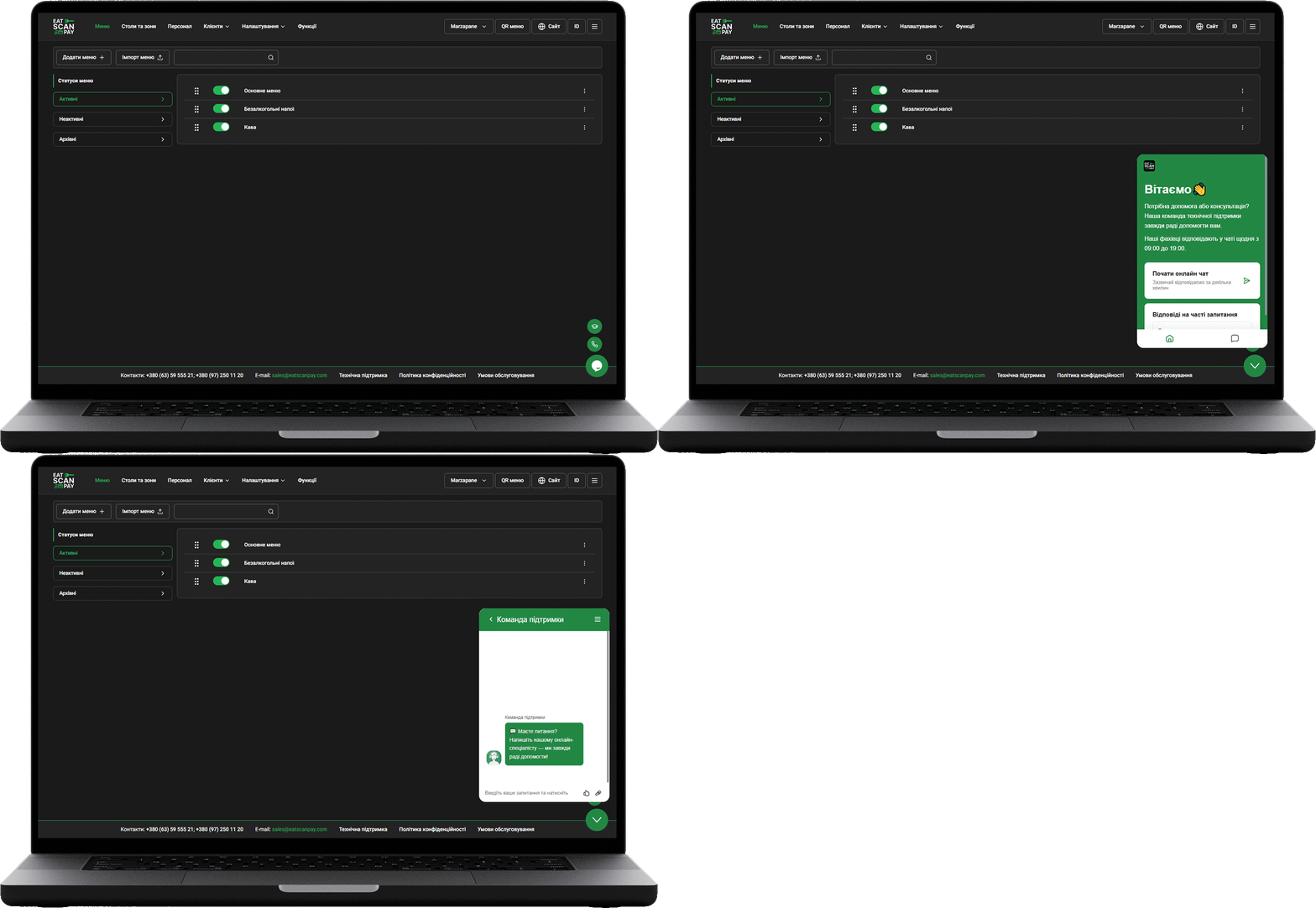
Online Support Chat — help is now always at hand. If you have any questions or need advice, you can contact our team directly from the Admin Panel interface.
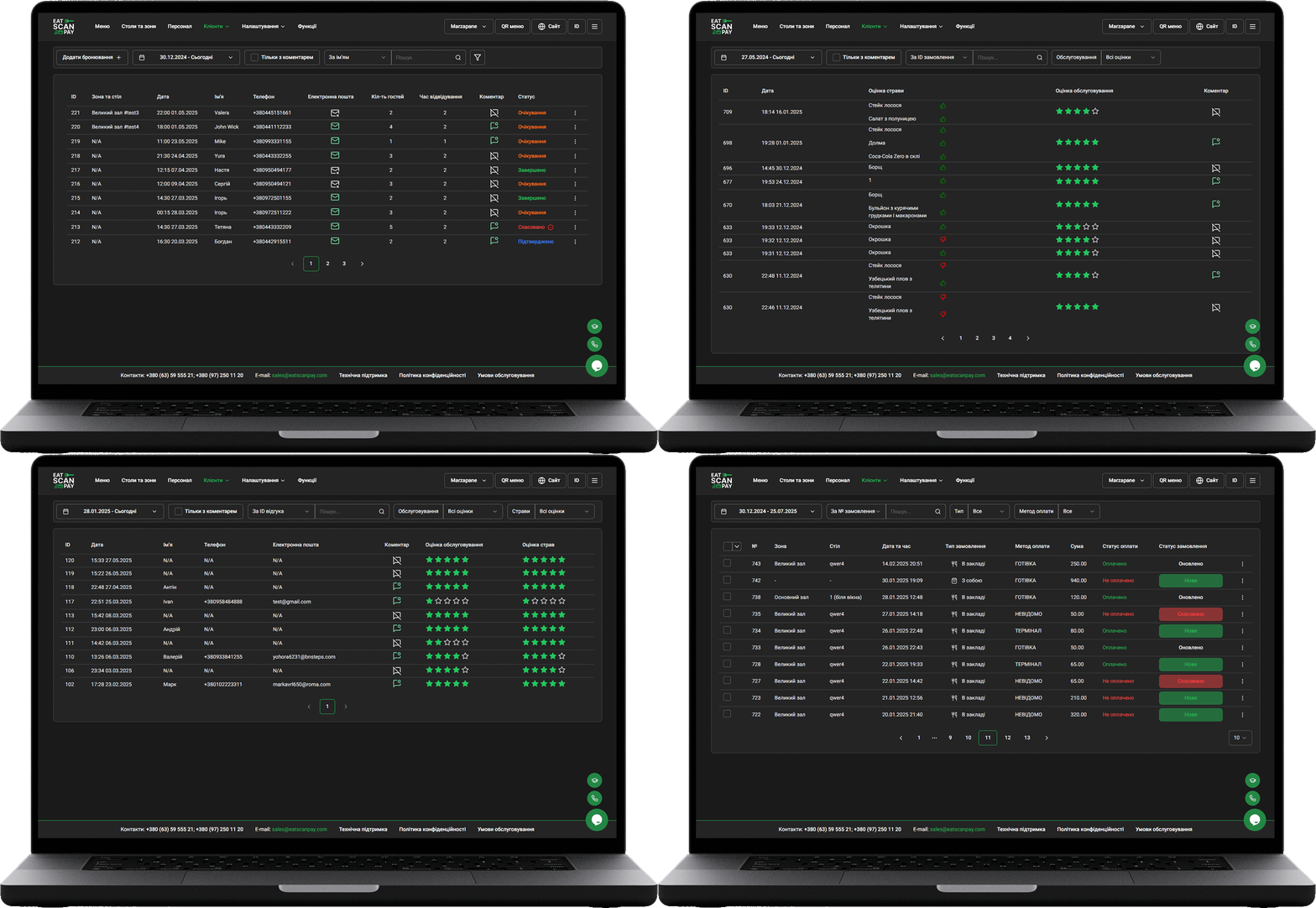
Filters and Search — we have added advanced filters and a convenient search function for pages with orders, venue and dish reviews, and table reservations. This allows you to find the information you need in seconds, even if there is a lot of data.

Order Merging — a new feature for convenient payment: you can now merge multiple orders from one table into a single one, so the customer can pay the entire amount in one transaction. This simplifies settlement and makes service more flexible.
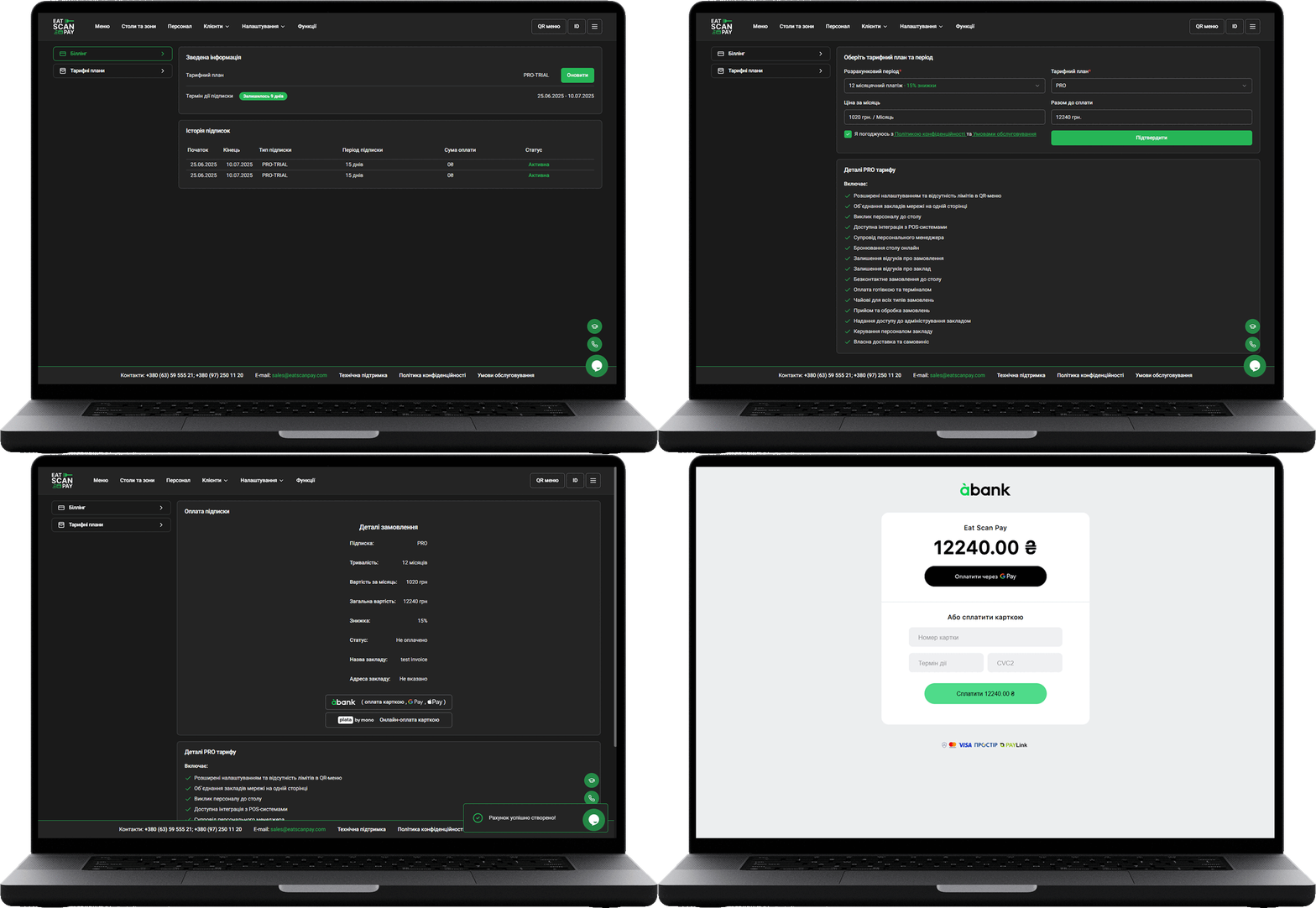
A-Bank Acquiring — we have added integration with A-Bank acquiring for paying for Eat Scan Pay services. Now it is even easier and faster to pay for using the service.
In addition, we have fixed minor bugs, improved the interface, and added small but pleasant improvements that make daily work in the Eat Scan Pay Admin Panel even more comfortable.
Previous Releases of Admin Panel
- Merchant dashboard update, September 2026 - team availability, booking alerts, several payment accounts, new order statuses and a website gallery
16.09.2026
- Merchant dashboard update, June 2026 - booking settings, menu translations, live order alerts and the dashboard in more languages
28.06.2026
- Merchant dashboard update, April 2026 - switch menus, sections and dishes on, off or into the archive in batches
28.04.2026