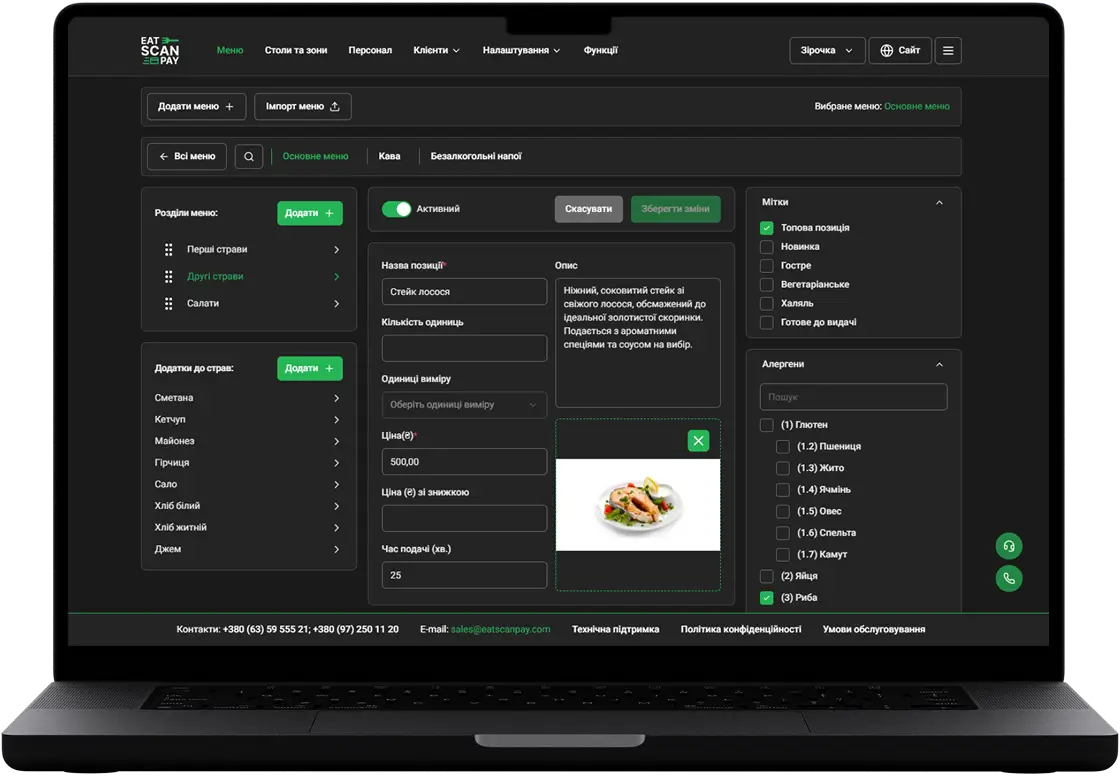
QR menu on your own domain: guests open your menu at your own address, connected from the dashboard with SSL included
Your QR menu on your own domain is here. Guests can now open the menu at your own address, such as yourcafe.com or menu.yourcafe.com, instead of the eatscanpay address. You connect the domain yourself in the merchant dashboard, and the secure connection is set up for you. It's part of the PRO plan.

Your QR menu at your own address
The address on a table tent or a receipt now carries your venue's name, not ours. The guest scans, the phone shows your domain, and the menu works as before: browsing, ordering, booking, paying. You can use the main domain (yourcafe.com) or a subdomain of it (menu.yourcafe.com). With the main domain, www.yourcafe.com sends guests to yourcafe.com, so both spellings work. Your eatscanpay address keeps working too, so QR codes you already printed don't need replacing. When a guest shares a link to one of your custom pages, the preview shows your domain as well.


On a phone
Connect the domain in the merchant dashboard
Open Features and then Own website. The page walks you through four steps. In the Menu address card, choose Own domain, type your domain and save. The same card also sits in Settings, under General settings, next to your eatscanpay subdomain. Owners and admins of the venue can change it.


Own website in Features
Add the DNS records and press Check DNS
After you save, the dashboard lists the records to add where your domain is managed, at the registrar or your DNS provider. Each value has a copy button. Then press Check DNS. We also check pending domains on our own every few minutes, so you don't have to keep pressing it. Once the records are right, we issue the SSL certificate, which usually takes 15 to 60 minutes, and the status changes from Awaiting DNS configuration to Connected. If something is off, the dashboard says which record to fix.

Tips for a quick setup
Most failed checks come from a few things:
- Old records. Remove other A and AAAA records for the same name, such as an old website or a registrar's parking page.
- Cloudflare. Set the records to DNS only (grey cloud), not Proxied.
- CAA records. If your domain has them, allow pki.goog, or the certificate can't be issued.
- Patience. DNS changes usually apply within an hour, sometimes up to 48 hours.

How to get it
Own domain is available on the QR menu PRO plan. Open Features, then Own website, in the merchant dashboard. On another plan the page shows a Choose plan button. If you remove the domain or move off PRO, the menu stops opening on your domain, and your eatscanpay address keeps working.
Previous Releases of QR Menu
- QR menu update - photo galleries on your venue page, tables held until you confirm and a way back to an unfinished online payment
18.10.2026
- QR menu update - live order status, active orders from any page, a clear way out of a rejected order and online payment you can retry
16.09.2026
- QR menu update - the menu in your guest's language, order type in the cart, two ways to book a table and a faster menu
28.06.2026