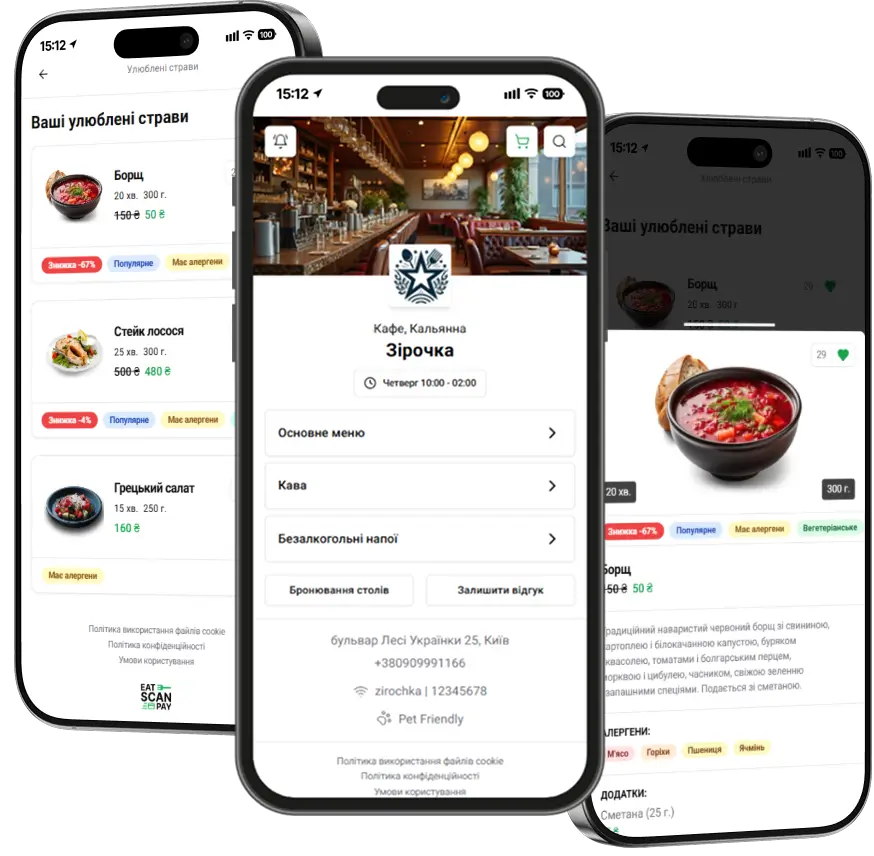
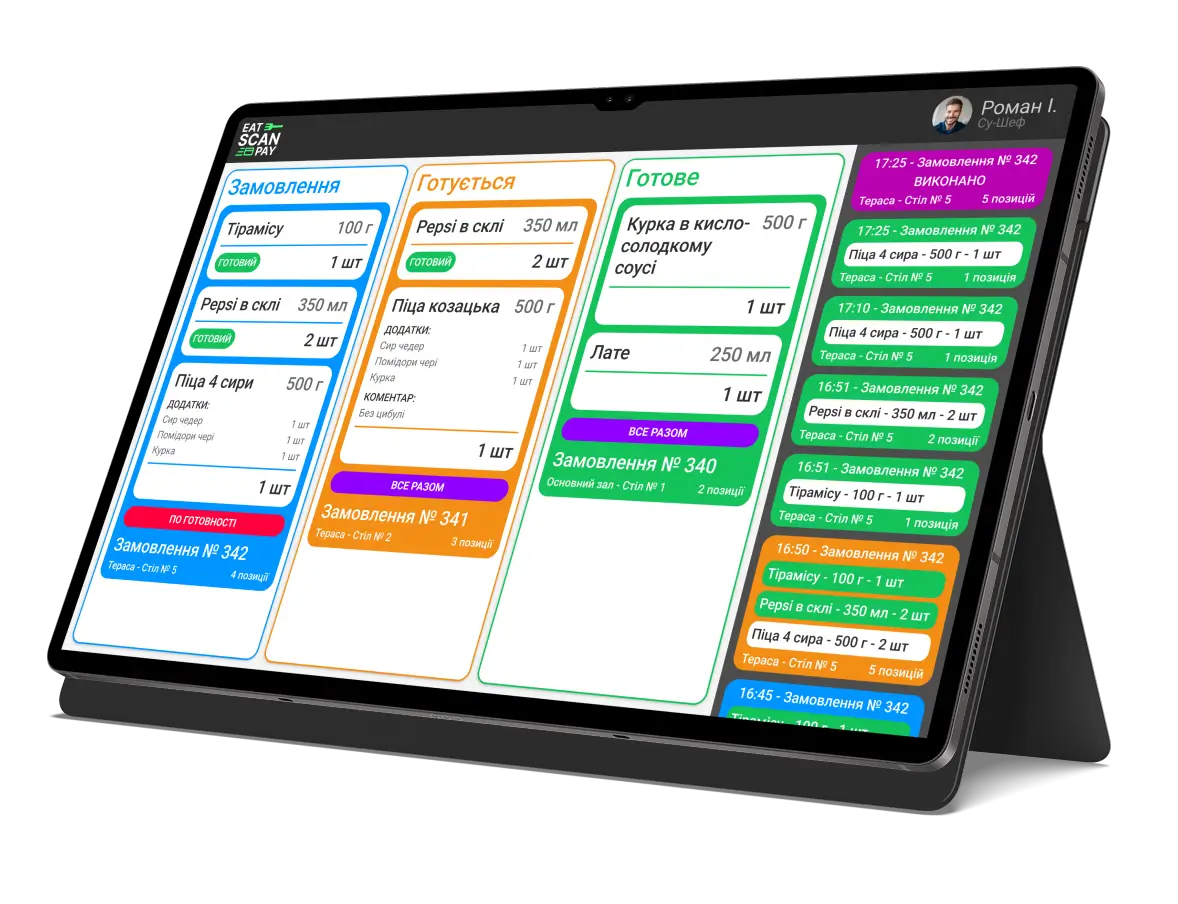
Admin Panel v2.3.1 – New features for flexible menu management and improved usability
In this update, we focused on details that make daily work with the online menu easier and improve the overall usability of the Eat Scan Pay Admin Panel.
- Dish photo removal — now you can quickly and easily remove images from dishes if they become outdated or need updating.
- Default venue photo — for newly created venues, a default photo is automatically added to the menu, ensuring a better start for the visual presentation of the QR menu.
- Menu working hours by day of the week — flexible settings allow you to set an individual schedule for each day so that the menu is automatically displayed only during working hours.
- Quick access button to the menu — a new button in the panel header lets you see with one click how your electronic menu looks to customers.
- Optimization and bug fixes — we have improved performance, enhanced the interface, and fixed minor issues for an even more stable and pleasant experience.
- Menu style change — added the ability to change the appearance of the menu list to match your venue's style and improve user convenience.

This update is another step towards the most convenient and flexible management of your contactless menu.
Previous Releases of Admin Panel
- Merchant dashboard update, September 2026 - team availability, booking alerts, several payment accounts, new order statuses and a website gallery
16.09.2026
- Merchant dashboard update, June 2026 - booking settings, menu translations, live order alerts and the dashboard in more languages
28.06.2026
- Merchant dashboard update, April 2026 - switch menus, sections and dishes on, off or into the archive in batches
28.04.2026