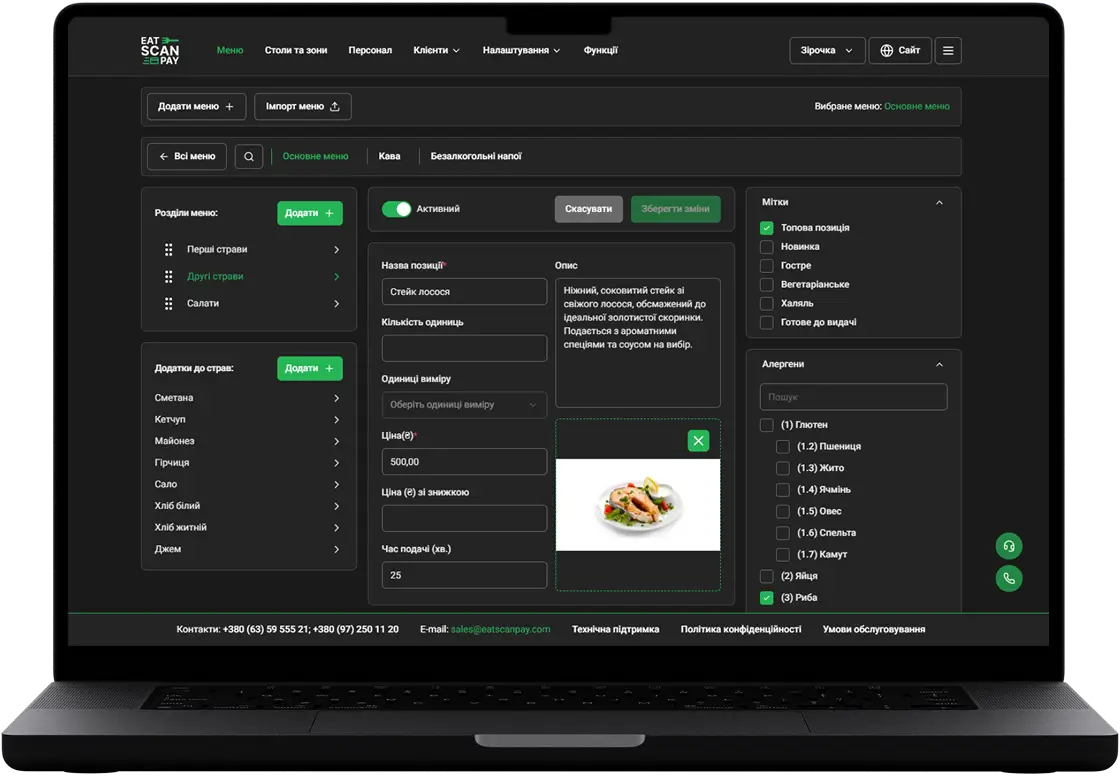
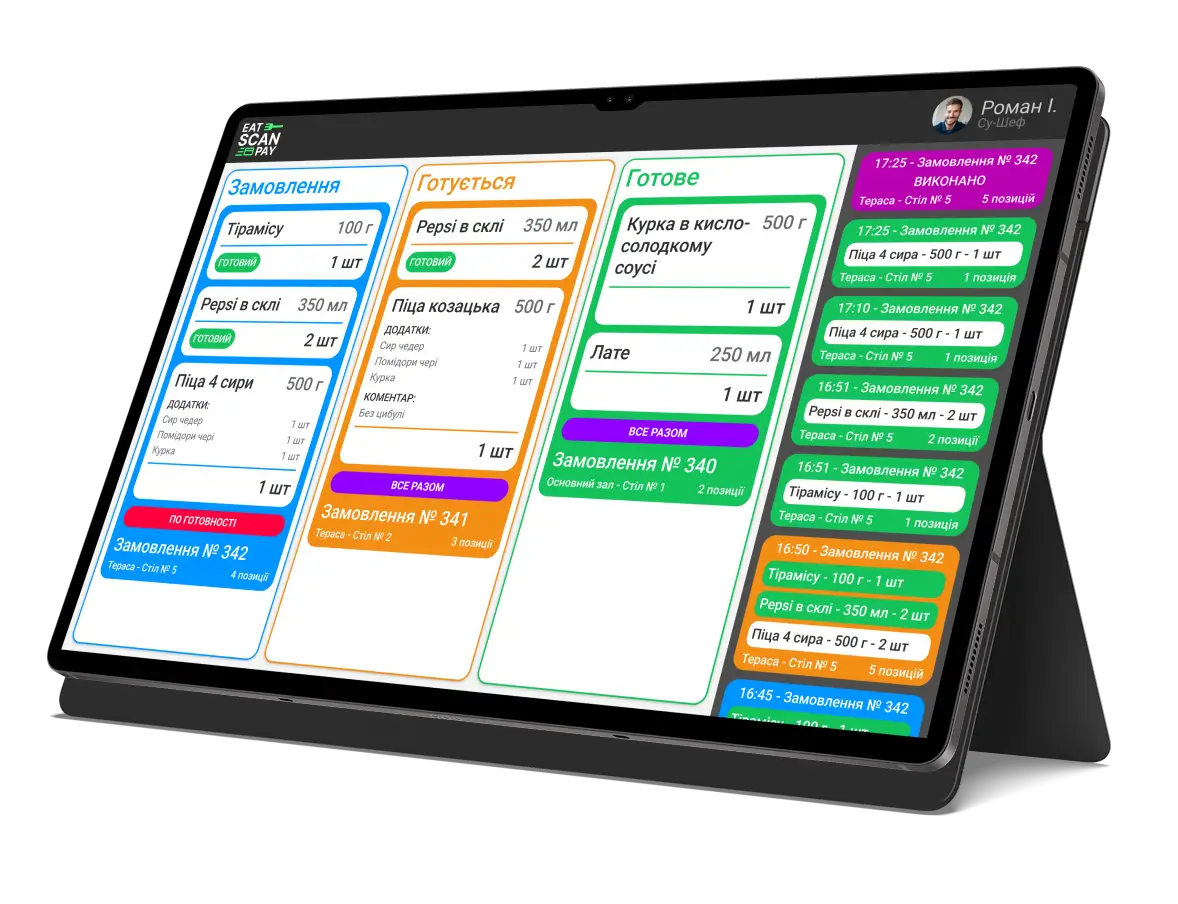
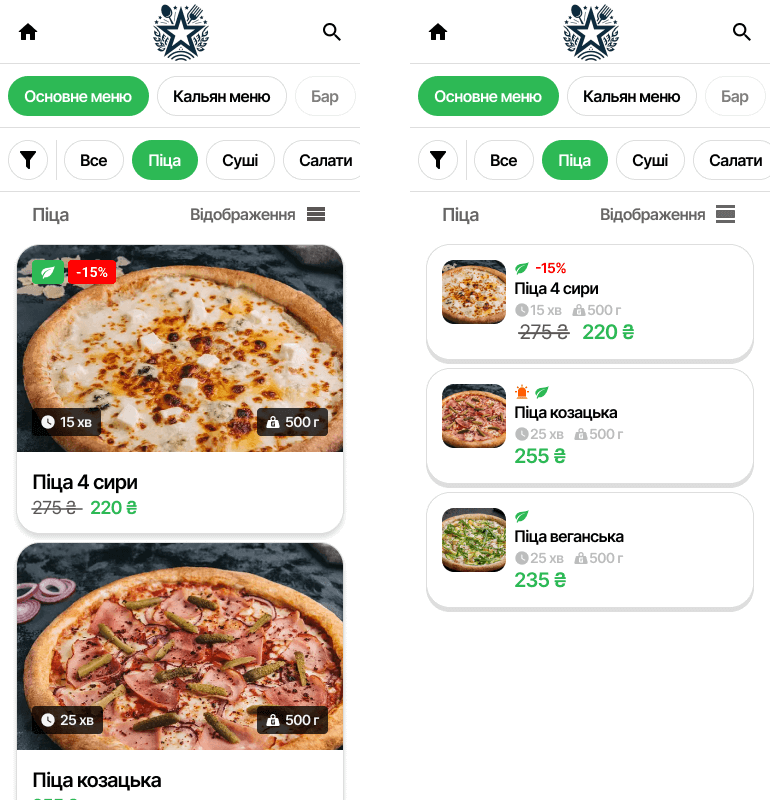
In this update, we've expanded the functionality of the QR menu by adding dish filtering, menu search, and an option for selecting the size of dish cards. These updates will help visitors find the dishes they need more quickly and customize the menu's appearance according to their preferences.
Main updated features:
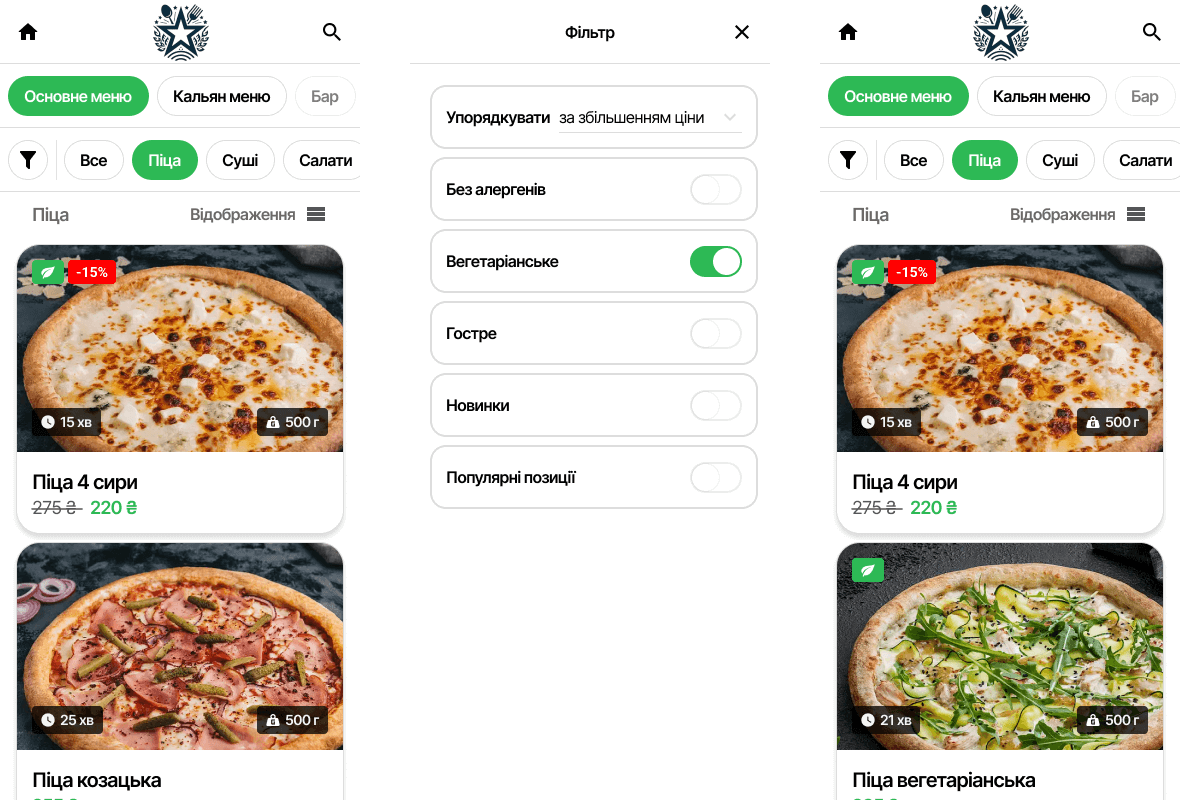
- Dish Filter - is now more refined in the settings. Initially, we added the ability to sort dishes by decreasing or increasing price and preparation time, but this seemed basic, so we also added functionality to check if a dish contains allergens, if it's vegetarian, or if it's spicy.
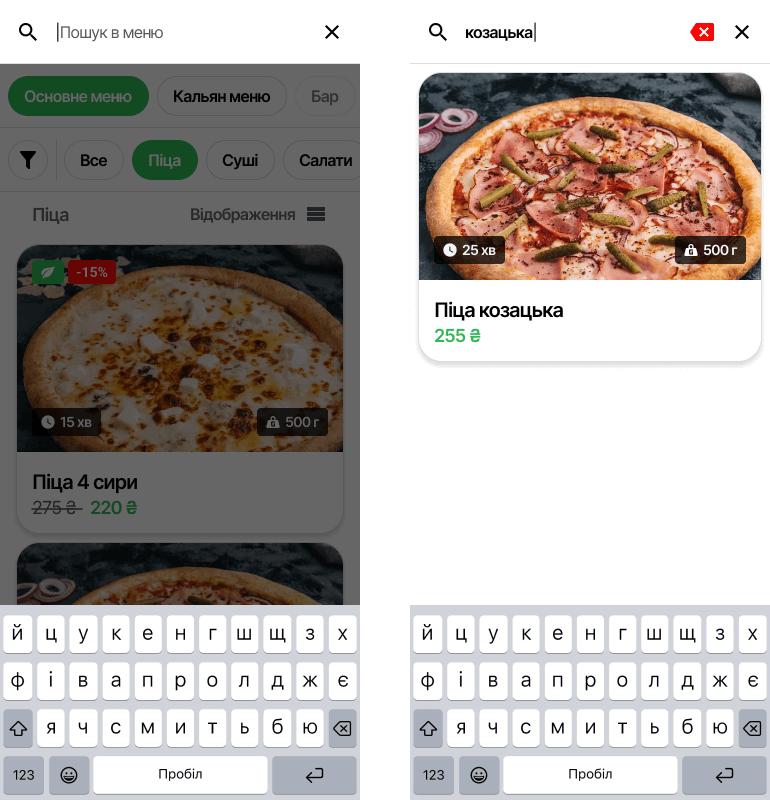
- Menu Search - allows you to quickly find a specific dish or drink among a large selection in the QR menu through a convenient search field. Simply enter a keyword, and the system will instantly display all relevant items, simplifying the selection process. This greatly saves time and improves the user experience.
- Dish Card Size Selection - visitors can now adjust the size of the dish cards in the menu. This allows for a more comfortable view of the menu, taking into account individual preferences for displaying dish information.
Previous Releases of QR Menu
- QR menu update - live order status, active orders from any page, a clear way out of a rejected order and online payment you can retry
16.09.2026
- QR menu update - the menu in your guest's language, order type in the cart, two ways to book a table and a faster menu
28.06.2026
- QR menu update - online card payment, menu working days, custom pages, cooking time and required tips
01.11.2025